We are excited to see you join us this semester for classes! As an Apache College student, you have access to register for classes taught by faculty from San Carlos Apache College and from our sister school, Tohono O’odham Community College. All of that can be done online here. If your TOCC email is still working and you have taken classes in the twelve months, then you are a “Current Student” and eligible to sign up online.
To help you navigate the platform, we have created this instructional video to guide you.
If you cannot manually add classes on this platform, it could be for one of the following reasons:
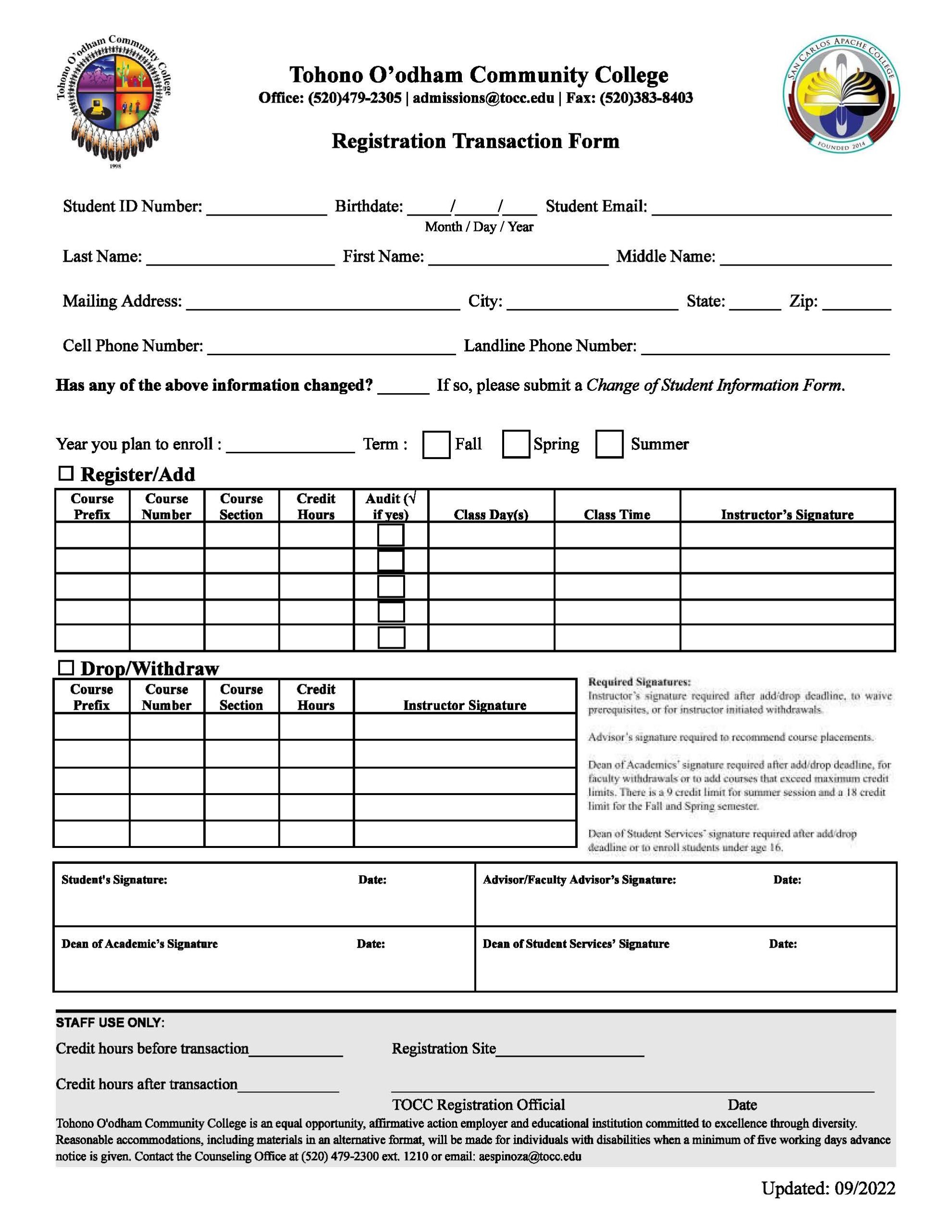
– You have not finished high school yet and are a dual enrollment, concurrent, or high school equivalence student. If so, please use this attached Registration Transaction Form to register for classes and send it to admissions@apachecollege.org.
– You have a hold on your account due to being on academic alert (a GPA under 2.0). If so, please contact the college (advising@apachecollege.org) t
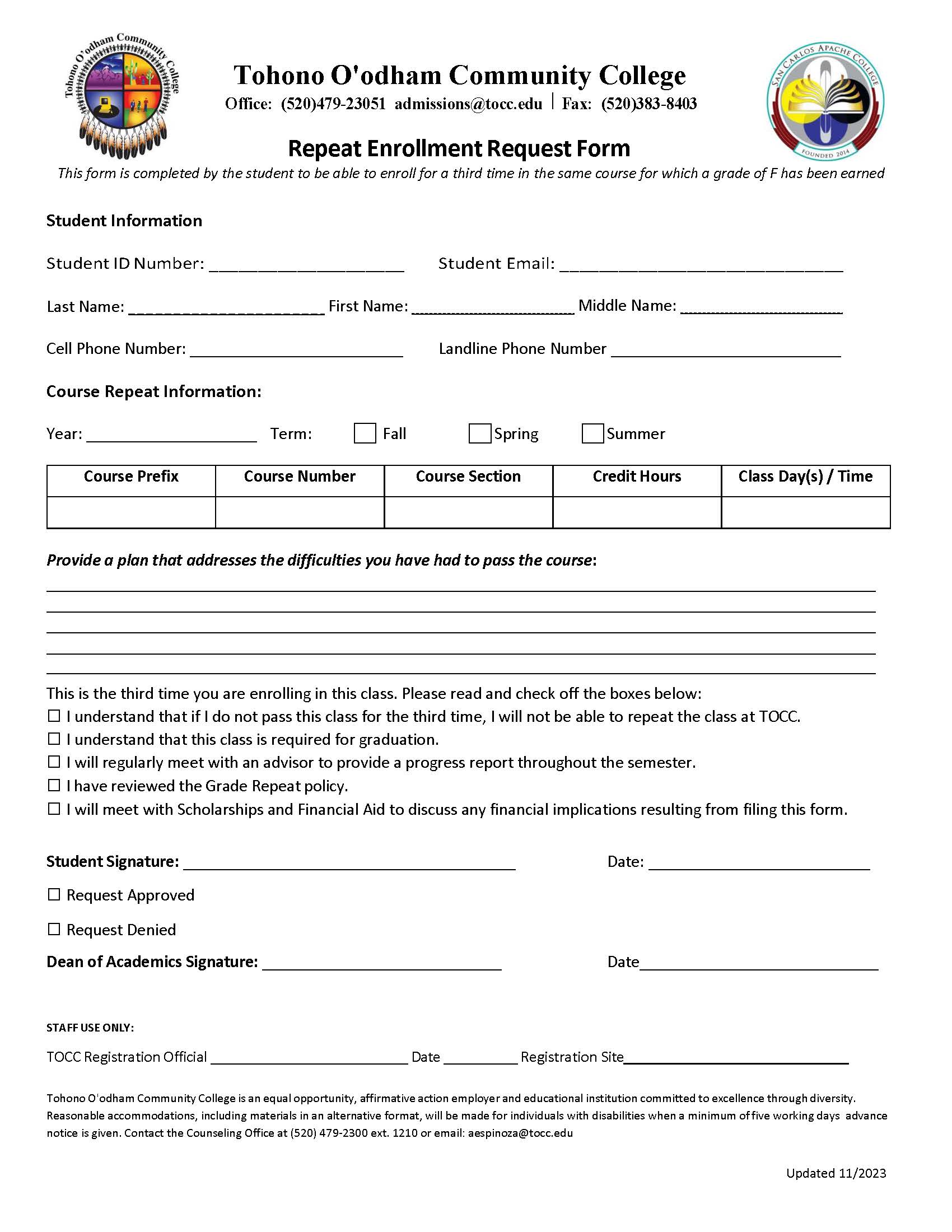
– You have already attempted a class at least two times. If so, please fill out this attached form and contact the college (advising@apachecollege.org) to get permission to take the class for a third time.
– You have not fulfilled the prerequisite courses to register for a particular class. Please click on the class to read what those prerequisites are and contact advising@apachecollege.org to get help.

Registration Transaction Form Repeat Enrollment Request Form